Open the archive directly
Open .zip and .7z Android bug reports without unpacking the archive first.
Features / Android bug reports
Bug reports collect more than one clue. Open an adb bugreport's .zip and .7z archives directly in Indagium, choose what to load, then work through the relevant log offline in the same investigation space — free, and without Android Studio.
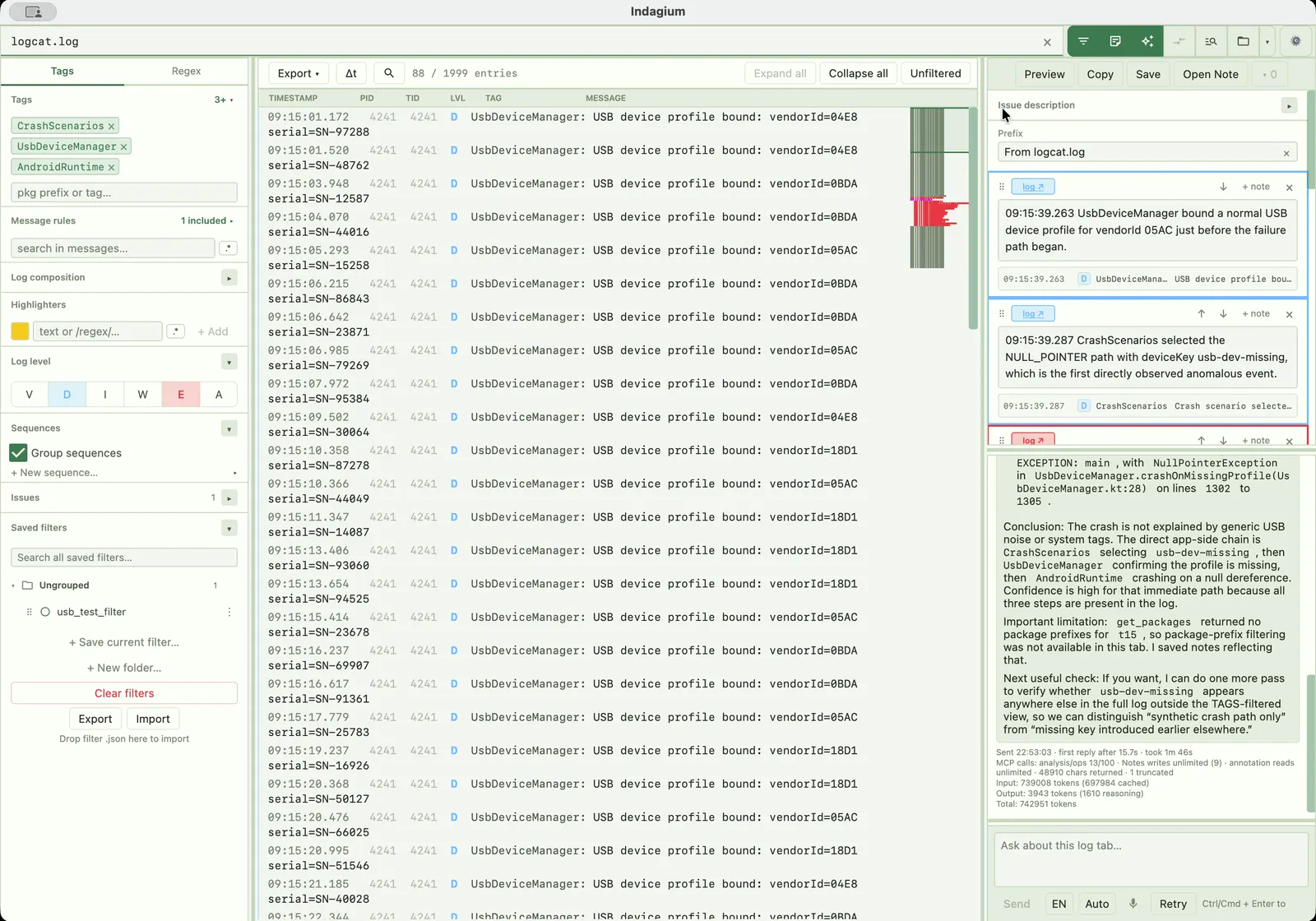
A report is a record
A bugreport can be large and full of adjacent detail. Indagium keeps the opening step, the reading step, and the handoff step close together.
Open .zip and .7z Android bug reports without unpacking the archive first.
Pick the report content that belongs in the active tab instead of losing the case in an extracted folder.
Use filters, crash and ANR detection, thread maps, time deltas, and compare view to read the evidence.
Annotate selections with notes, images, and video frames, then export Markdown or Jira markup.
What you can open
A bugreport archive is more than one log; Indagium reads the formats inside it the same way it reads a standalone file, without unpacking anything by hand first.
Open the .zip or .7z produced by adb bugreport or a device's own bug report tool, and choose which section to load.
Read the logcat content inside the report in threadtime, time, brief, or bare format; unrecognised lines are tagged RAW.
Open any bundled .dlt captures or raw DLT streams as their own tab, decoded as framed records.
Open DLT Viewer text and CSV exports alongside the rest of the report, ready to filter with the same tools.
Why open it offline
A bugreport can contain sensitive device and app data. Indagium reads it locally as a desktop app, so nothing is uploaded unless you deliberately turn on the optional AI assistant.
A clear handoff
The final record can include the filtered log, annotations, and the context another person needs to understand the issue without reopening the entire report, or the log viewer that produced it.
Explore log analyzer tools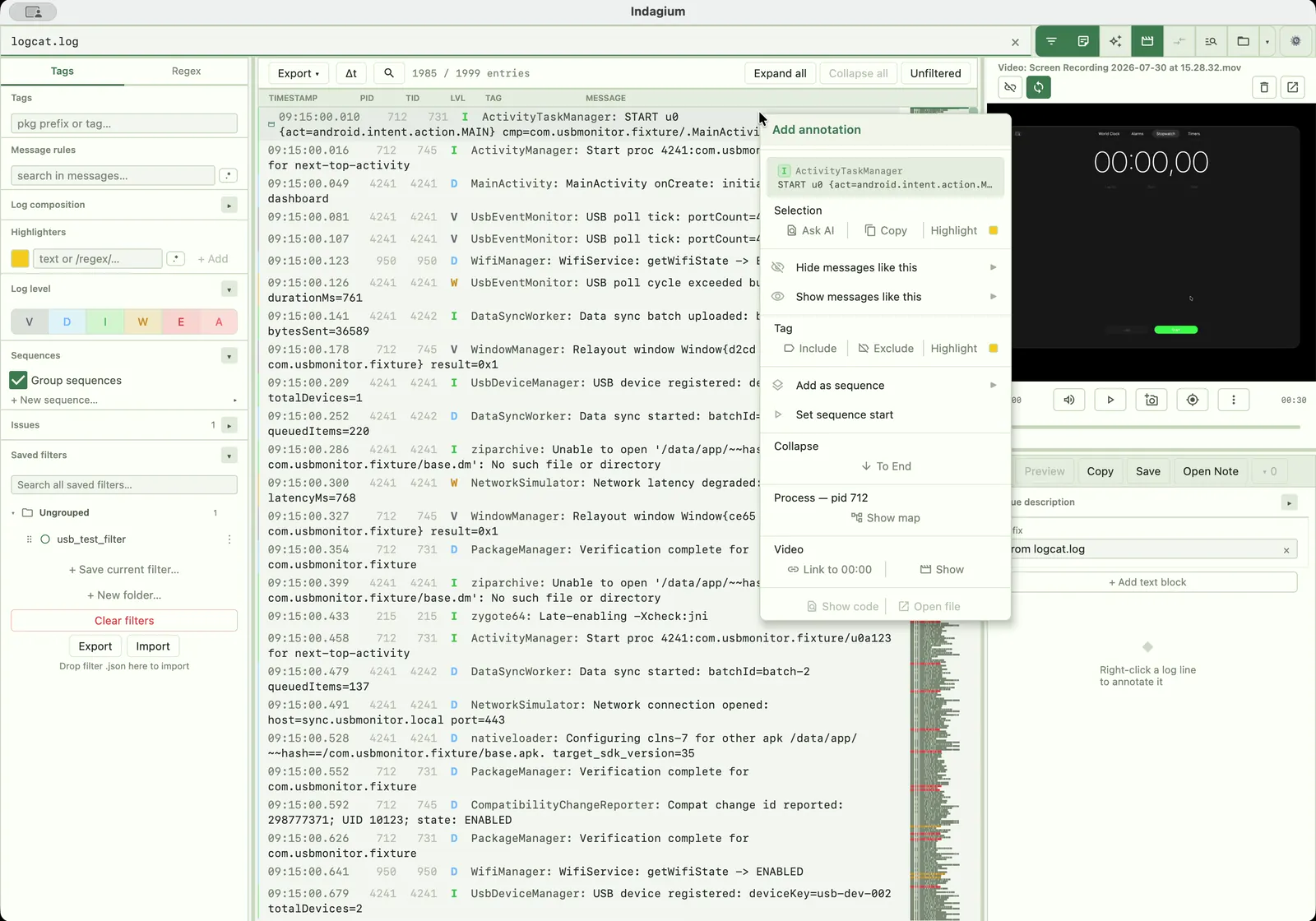
Questions
Common questions about opening, choosing content from, and exporting from an Android bugreport in Indagium.
Android bug reports as .zip or .7z archives, opened directly — no manual unzip step.
Yes. Indagium lets you pick the report content that matters instead of loading everything into one tab.
No — capture the bugreport once with adb bugreport, then open the resulting archive in Indagium; no device connection is needed to analyze it offline.
Yes. Annotate selections with notes, images, and video frames, then export as Markdown or Jira markup, or export the filtered log as TXT or CSV.
Indagium opens DLT (.dlt) captures, raw DLT streams, and DLT Viewer text/CSV exports as their own tabs; support depends on what's included in the report.