Speaks plain MCP
Streamable HTTP, the transport LM Studio, Claude Code, Codex, and custom tooling already support. Point a client at a URL — no Node.js, npm, or repo checkout.
Automation / MCP server
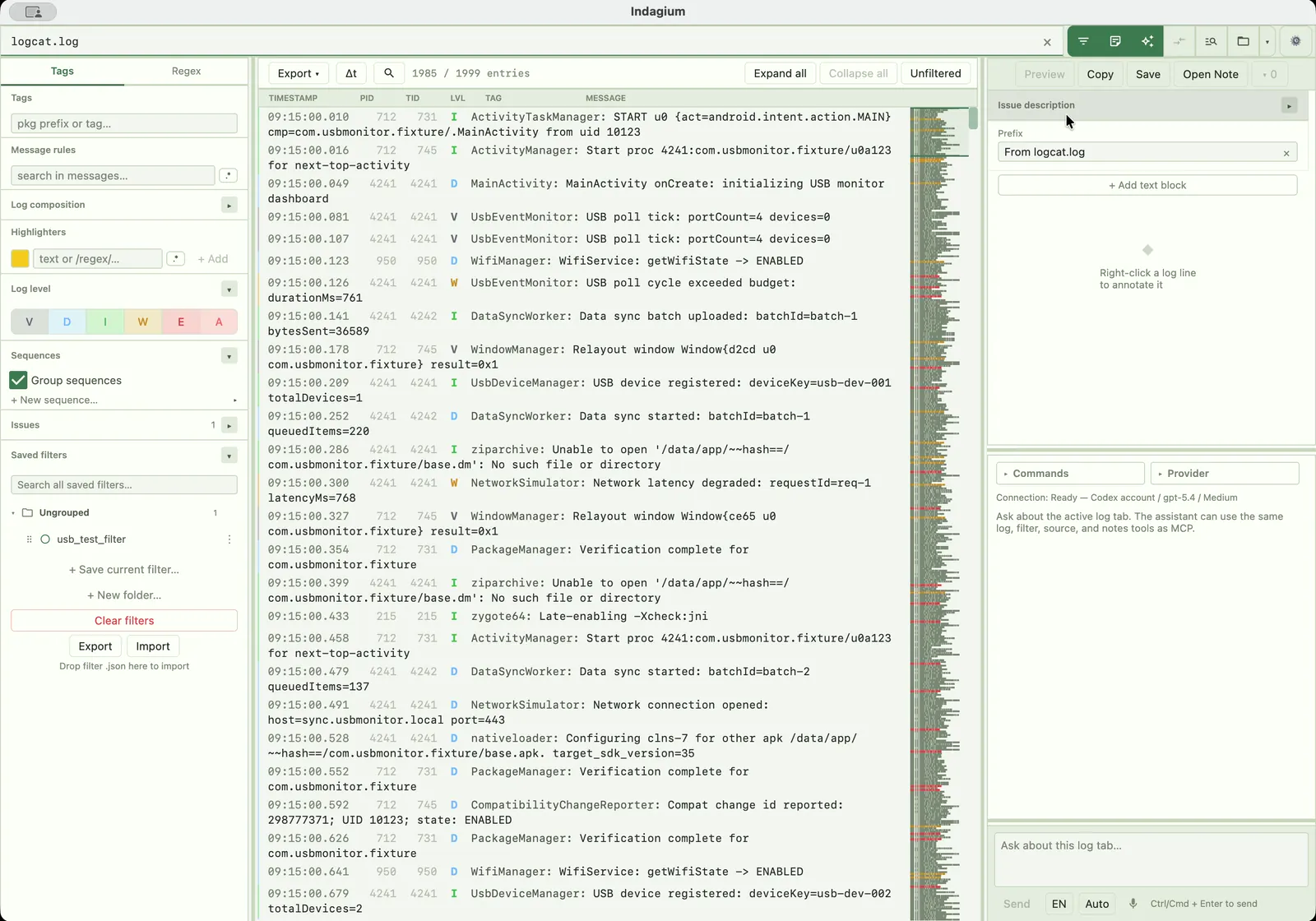
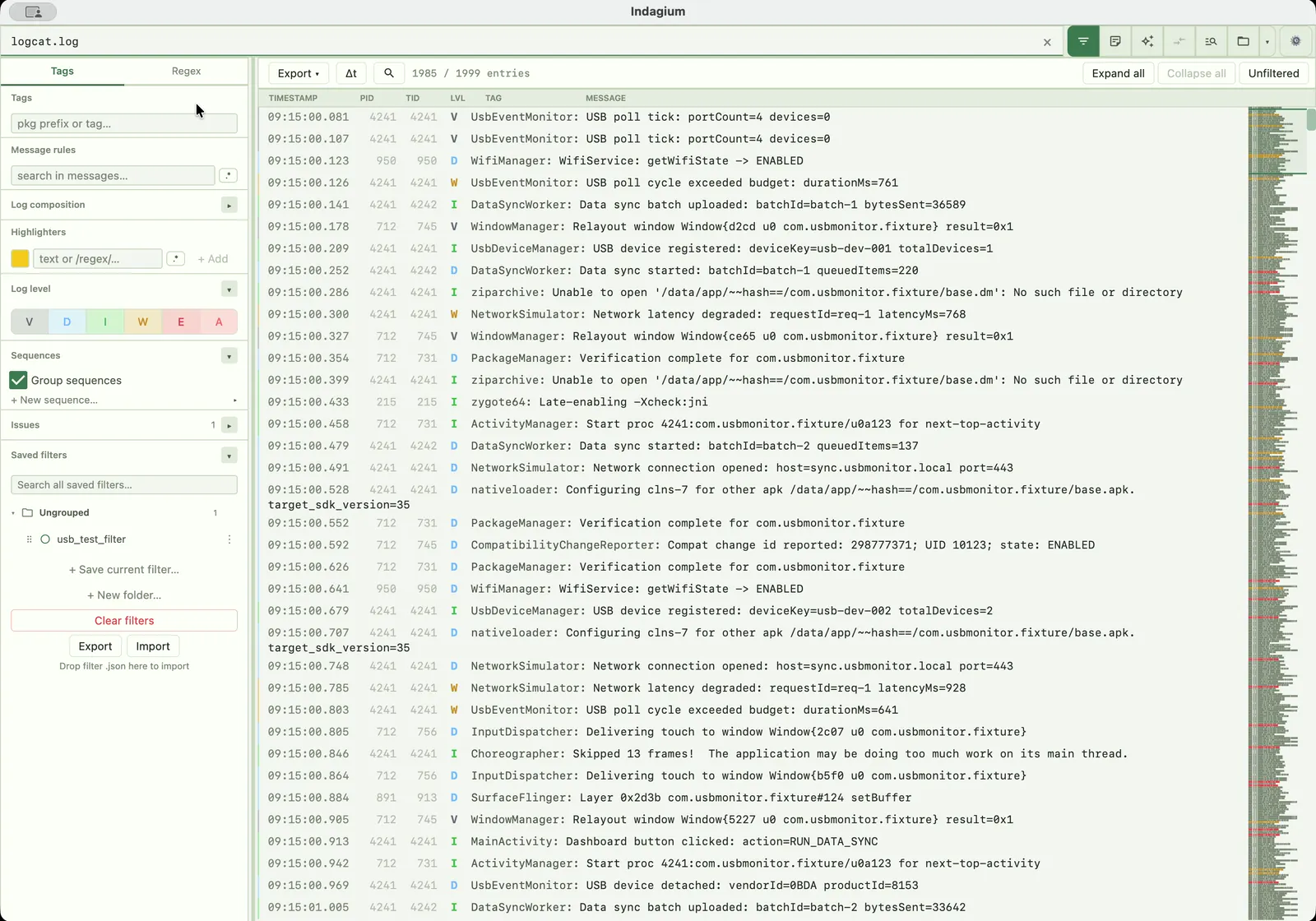
The control server built into Indagium turns an open trace into something an AI assistant can query directly: narrow it with the same filters you'd use by hand, pull crash sites, and cite the exact lines behind a claim. It's how to analyze logcat with AI while the server itself stays on your machine — it is off by default, bound to 127.0.0.1, and unlocked only with a bearer token you copy yourself.
A local automation surface
The control server is part of the desktop app itself — there's nothing extra to install, and nothing reachable outside your machine unless you turn it on.
Streamable HTTP, the transport LM Studio, Claude Code, Codex, and custom tooling already support. Point a client at a URL — no Node.js, npm, or repo checkout.
Never runs in a packaged build until you switch it on: Settings → Automation → MCP control server → On. A dev run enables it with an environment variable instead.
Binds to 127.0.0.1 on a configurable port (8991 by default). Every request also needs the bearer token shown by Connection info… in Settings.
The same server exposes a plain JSON/REST surface on the same port for quick curl or scripting, without an MCP client in the middle.
Connect a client
Every request needs the bearer token from Connection info… in Settings, plus the endpoint at http://127.0.0.1:8991/mcp (swap the port if you changed it). Claude Code adds it with one command: claude mcp add --transport http indagium http://127.0.0.1:8991/mcp. LM Studio and Cursor-style clients take the same URL as an mcp.json entry with the token as an Authorization: Bearer header; Codex takes it as a streamable-HTTP server in ~/.codex/config.toml.
What's in the catalogue
AVAILABLE_METHODS.md is the version-controlled map; the running app's tools/list response is the authoritative schema. Almost every read is scoped to a tabId — start with list_tabs rather than a filename.
| Group | Example tools |
|---|---|
| Read logs, narrow evidence | list_tabs, get_visible_lines, get_crash_sites, get_log_composition |
| Filters, sequences, navigation | get_filter/set_filter, add_sequence, get_sequence_summary, toggle_group |
| Notes, exports, follow-up | add_text_note, get_annotation_blocks, export_analysis, export_filtered_log |
| Source, cases, video | get_source_declarations, search_similar_cases, get_video_frame |
| Diagrams | build_sequence_diagram |
| Approved device capture | list_android_devices, start_device_capture, mark_device_issue, export_capture_snapshot |
Device tools act on the attached Android device. External MCP clients require per-session approval for device changes and live-screen reads; in-app AI actions are authorized through the user’s prompt. Read about USB and wireless device capture.
How an agent actually investigates
The analysis playbook that ships with the server teaches a client the same discipline a human investigator uses on a file too large to read end to end.
get_crash_sites first — exceptions and ANRs are the highest-signal anchors — then get_issue_description if the user reported a symptom.
set_filter by tag, level, or PID, then get_visible_lines in roughly 200–500-line pages instead of the whole file.
get_line_context pulls raw surrounding rows regardless of the active filter or folding; get_log_composition ranks a view's repeats so the noise can be filtered out next.
add_log_note anchored to the deciding lines, add_text_note for the narrative — so the notes stand alone without you re-explaining them later.
Your assistant, your choice
Indagium doesn't bundle or require a specific AI vendor. The in-app AI panel's default profile is an OpenAI-compatible Chat Completions endpoint, so a local LM Studio server works out of the box with a tool-capable model; switch the provider to OpenAI, Anthropic, Codex, Claude Code, or another compatible endpoint when you'd rather use a hosted model. An external MCP client reaches the same tool surface over the control server instead of the in-app panel, so the choice of who reads your log — a model on your machine or one in the cloud — stays yours either way.
Questions
No. It's off by default and never runs in a packaged build until you turn it on — Settings → Automation → MCP control server → On for an installed app, or an environment variable for a dev run.
No. The server binds to 127.0.0.1 (loopback) only, and every request also needs the bearer token shown by Connection info… in Settings, so nothing is reachable from the network even while it's on.
Not by itself. The MCP server and the in-app AI panel call the same local tools either way; whether the log content reaches a cloud API depends on which AI provider you connect — point a local LM Studio server at it and nothing has to leave the machine, or choose Anthropic, OpenAI, Codex, or another provider and the tool results become part of that provider's conversation.
Yes, using device-capture tools to list devices, start or stop log/video capture, mark issues, save screenshots, and export ZIP snapshots. External clients need the appropriate per-session approval; the capture guide describes connection and ZIP synchronization.
AVAILABLE_METHODS.md covers log reading and filtering, notes and exports, source and case lookup, diagrams, video, and approved Android device capture. The running app's tools/list response is the authoritative schema for exact parameters.
Keep going